 Memoir
Memoir on the web
Your memories, on a big screen.
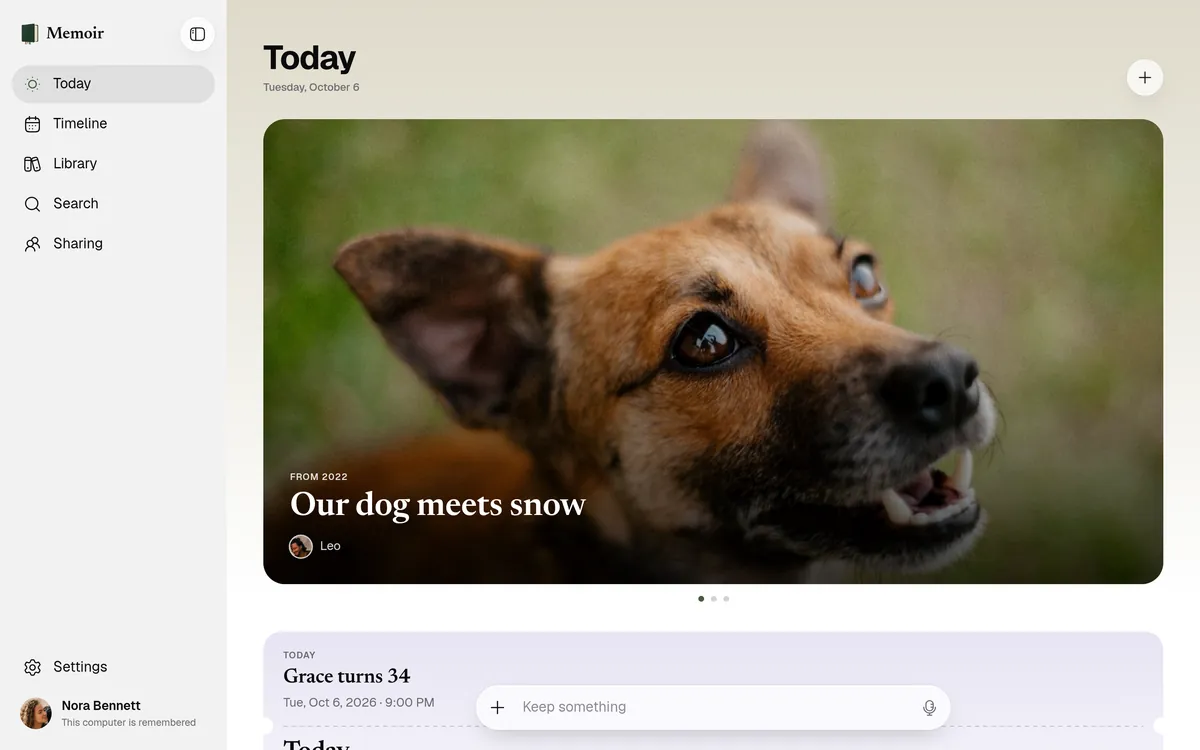
Sit down with your life in any browser. The same memories as the app, end-to-end encrypted, and unlocked only on your computer.
At app.flexmemoir.com, on your Mac or PC.
Timeline
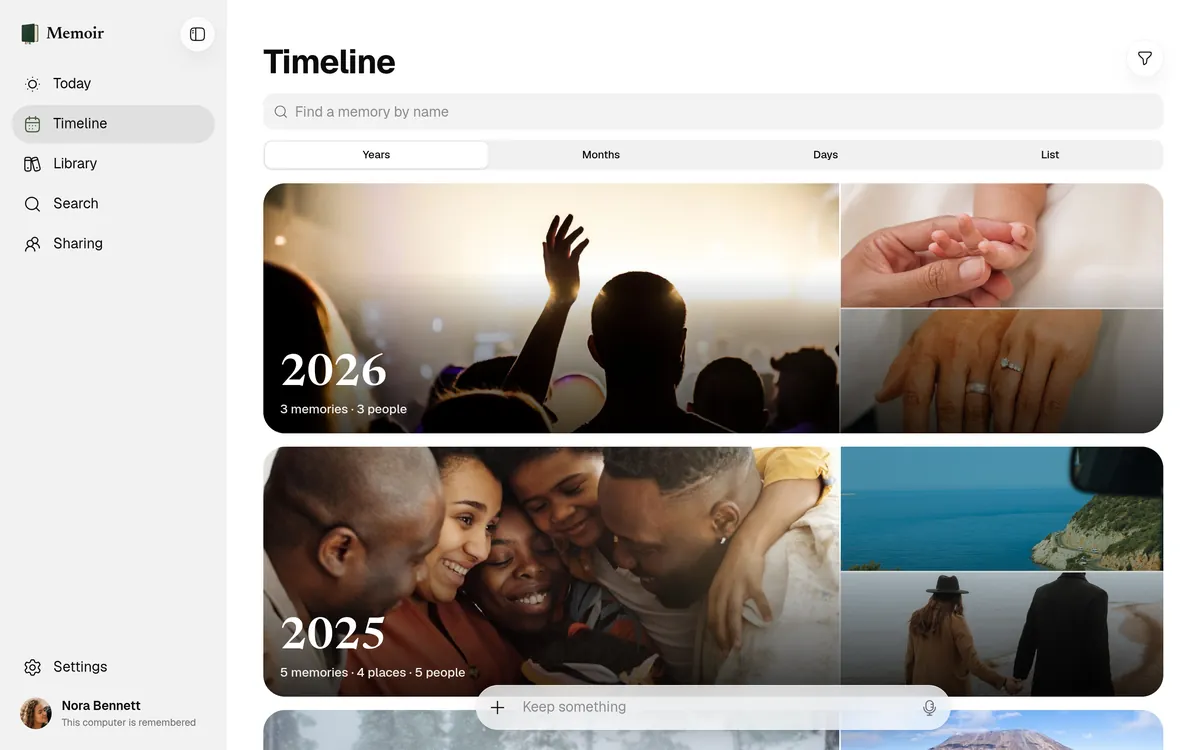
Years, months, days.
See whole years in pictures, then step in to a month or a single day. Every memory, in the order you lived it.
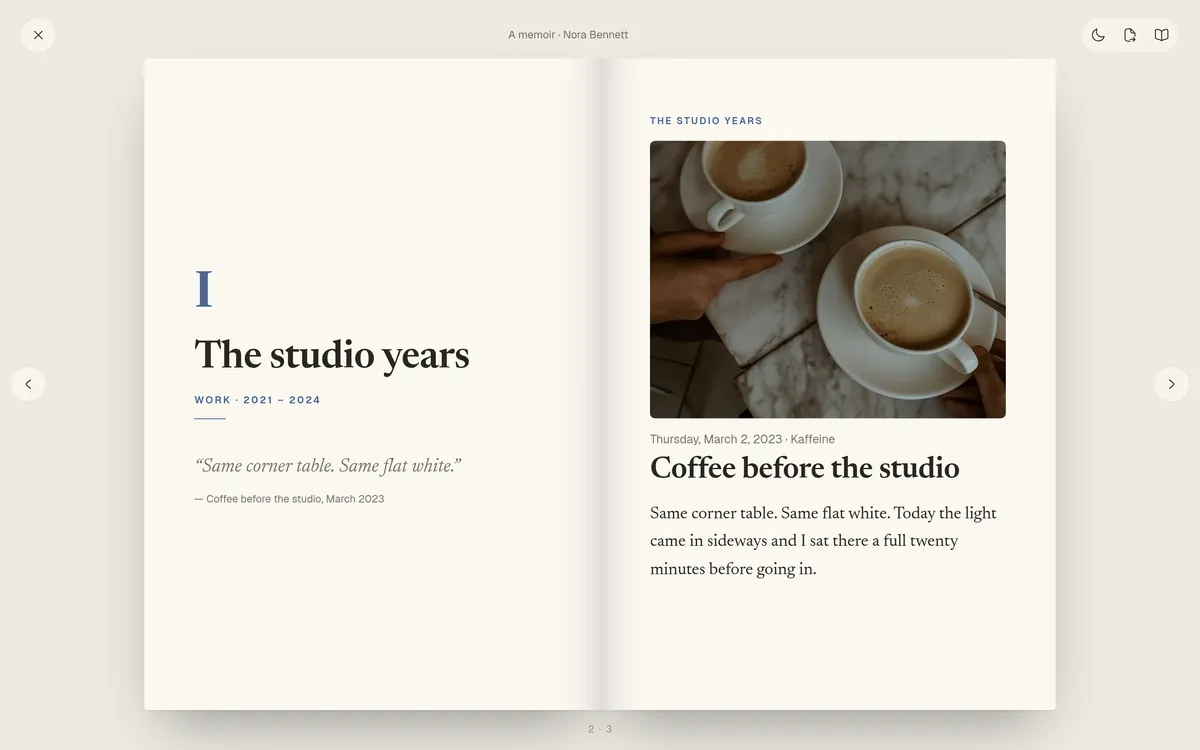
Read
Your life, as a book you can turn.
Open the book of your life and turn its pages, chapter by chapter, with the arrow keys. Print it, or keep it as a PDF.
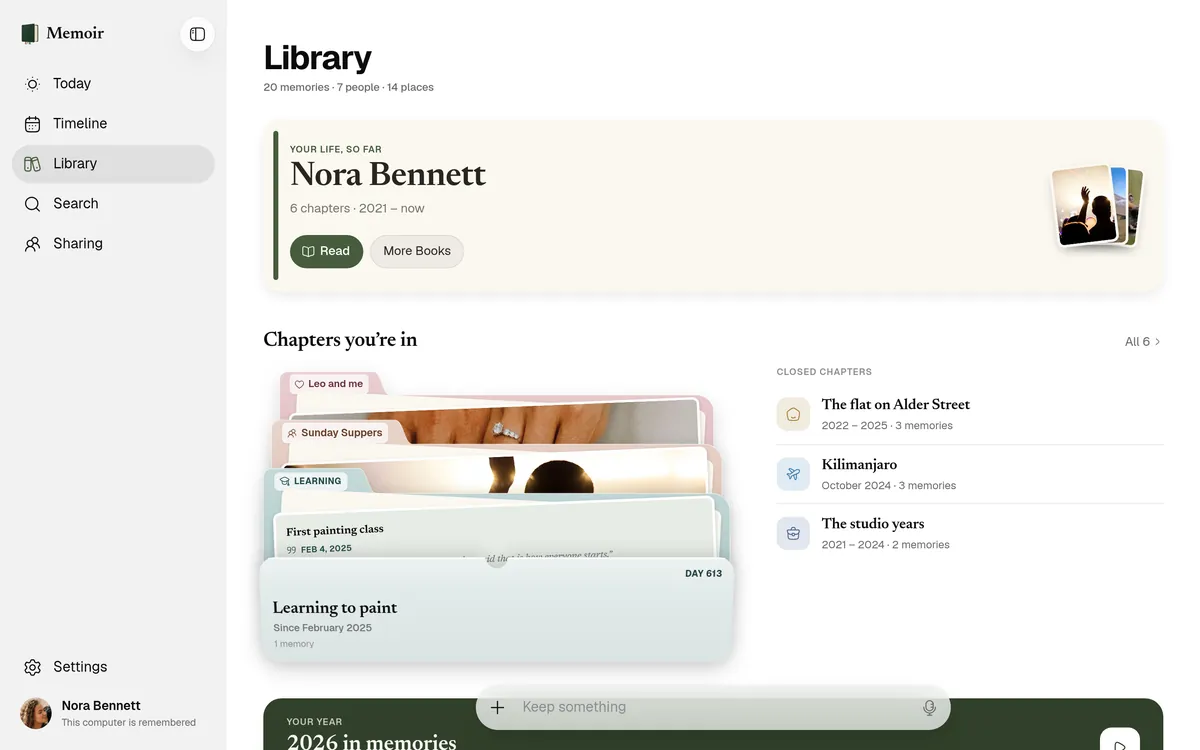
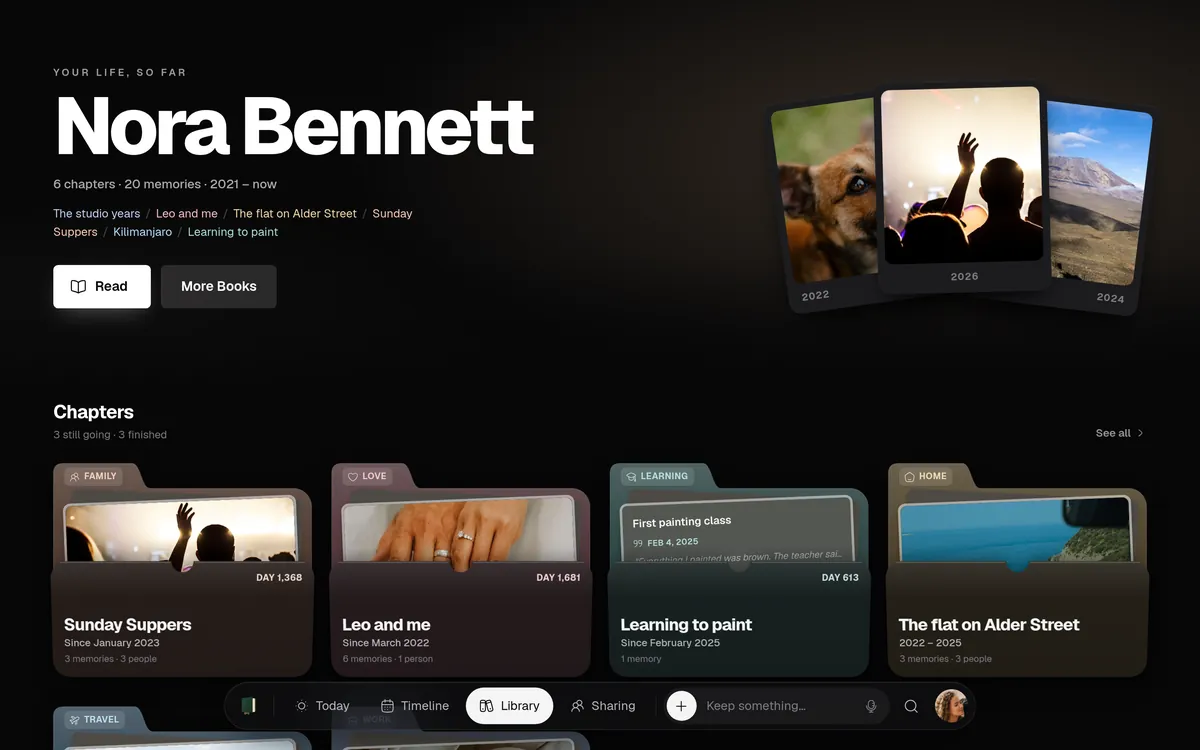
Chapters
The seasons of your life, in folders.
The first flat, the studio years, learning to paint. Each chapter is a folder, with everything from that time inside.
- Chapters still going, and ones that have closed
- Each person, place and year with its own page
- Your year, played back as a film
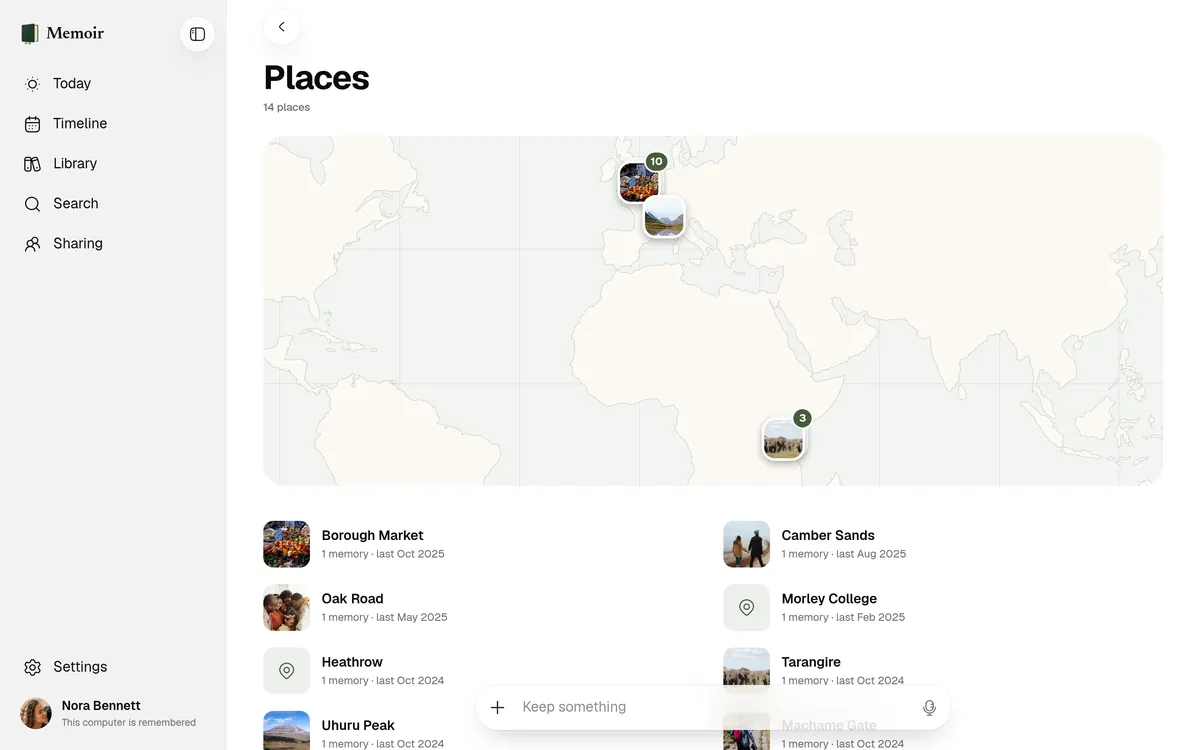
Places
Every place, on one map.
Everywhere you’ve been, with the memories you kept there.
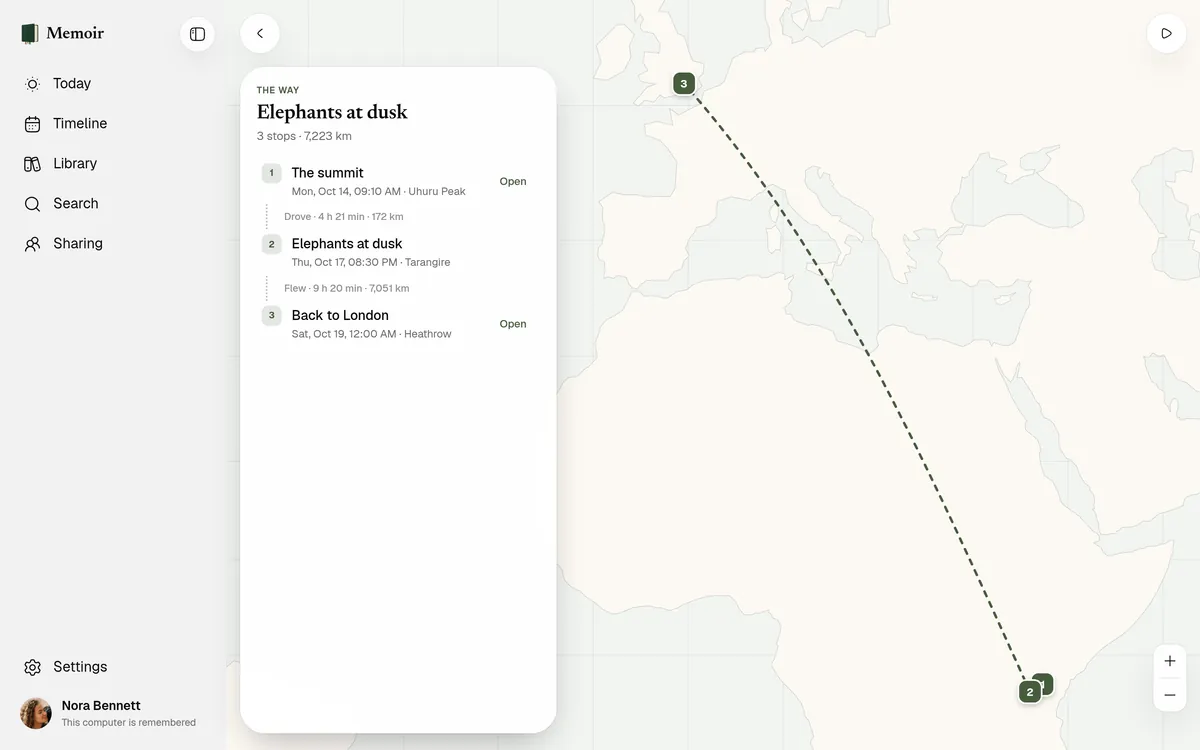
Journeys
Every trip, stop by stop.
How you got from one place to the next, and how long it took.
Write
Long stories, with a full keyboard.
Some days need more than a line. Write them at your desk, with the photos, the people and the place right there.
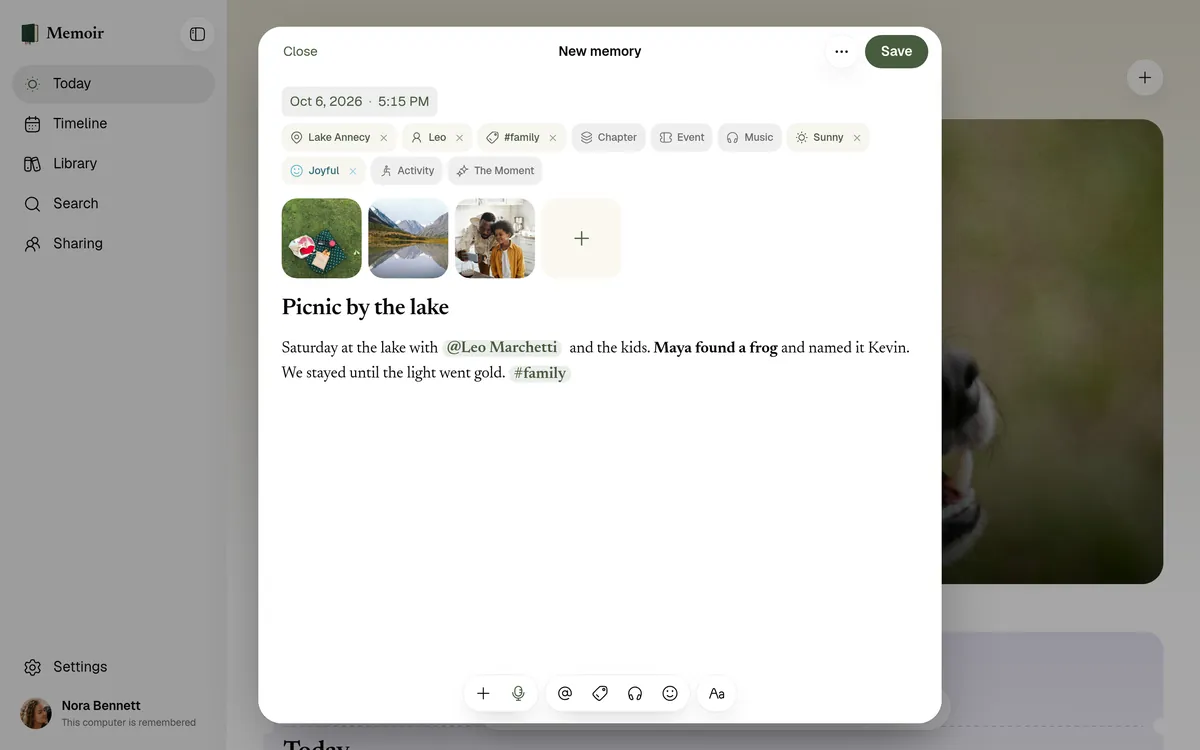
- Headings, bold, lists and quotes
- Drag in photos, videos and files
- @ for people, # for tags
- The place, the weather and how it felt
- Voice notes and dictation
- Drafts kept, locked, as you write
Styles
Five ways to see a life.
Change how Memoir looks whenever you like. Your memories stay just as they are.
Memoir. The app’s own look, in light or dark.
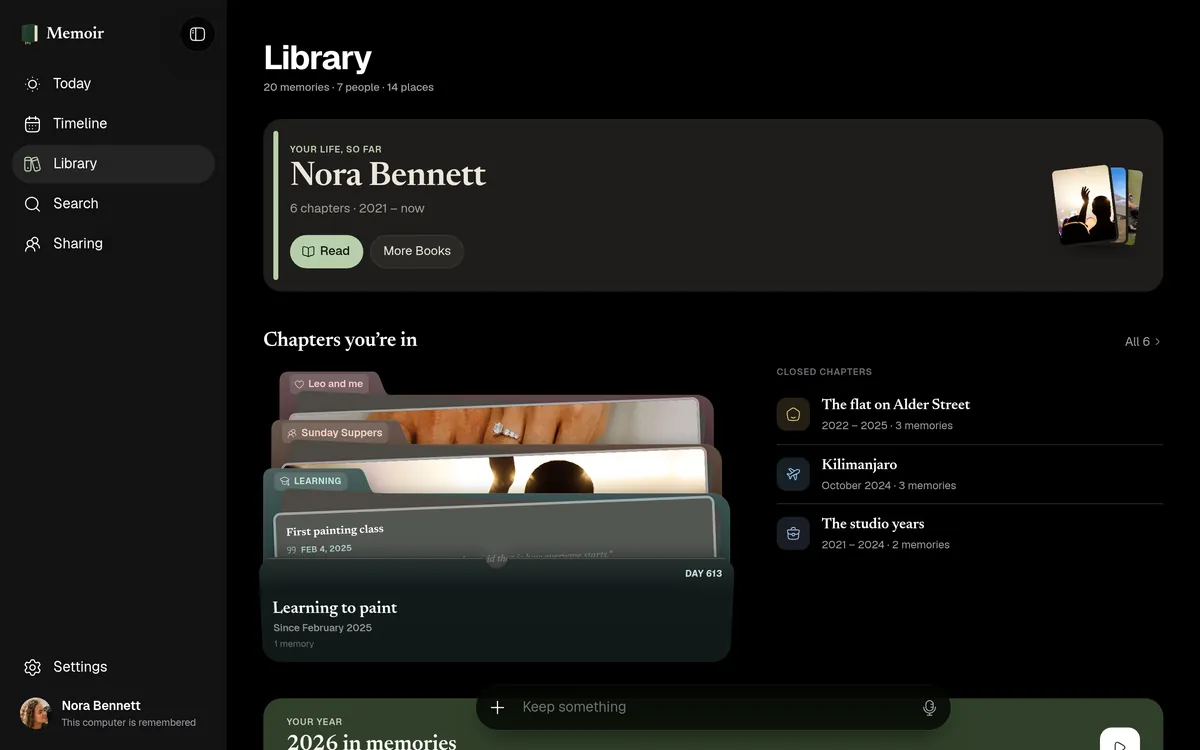
Paper. Quiet pages and fine type, like a well-kept notebook.
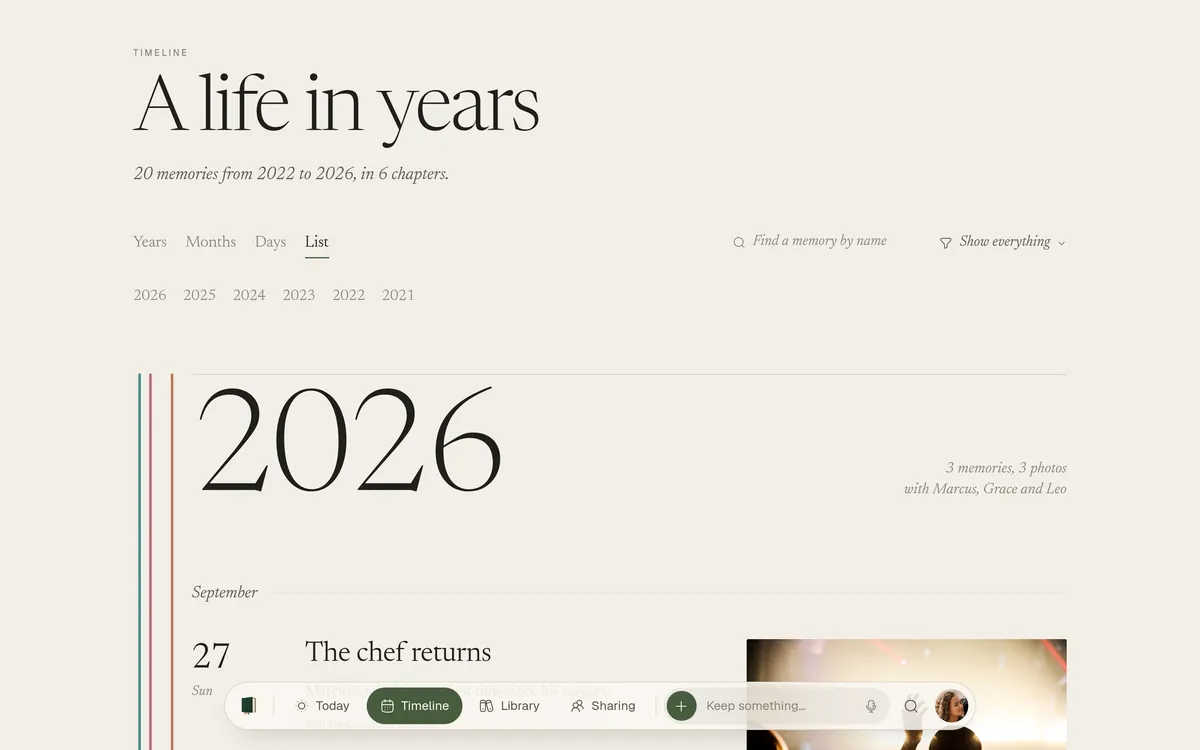
Editorial. Big type and bold colour, like a magazine.
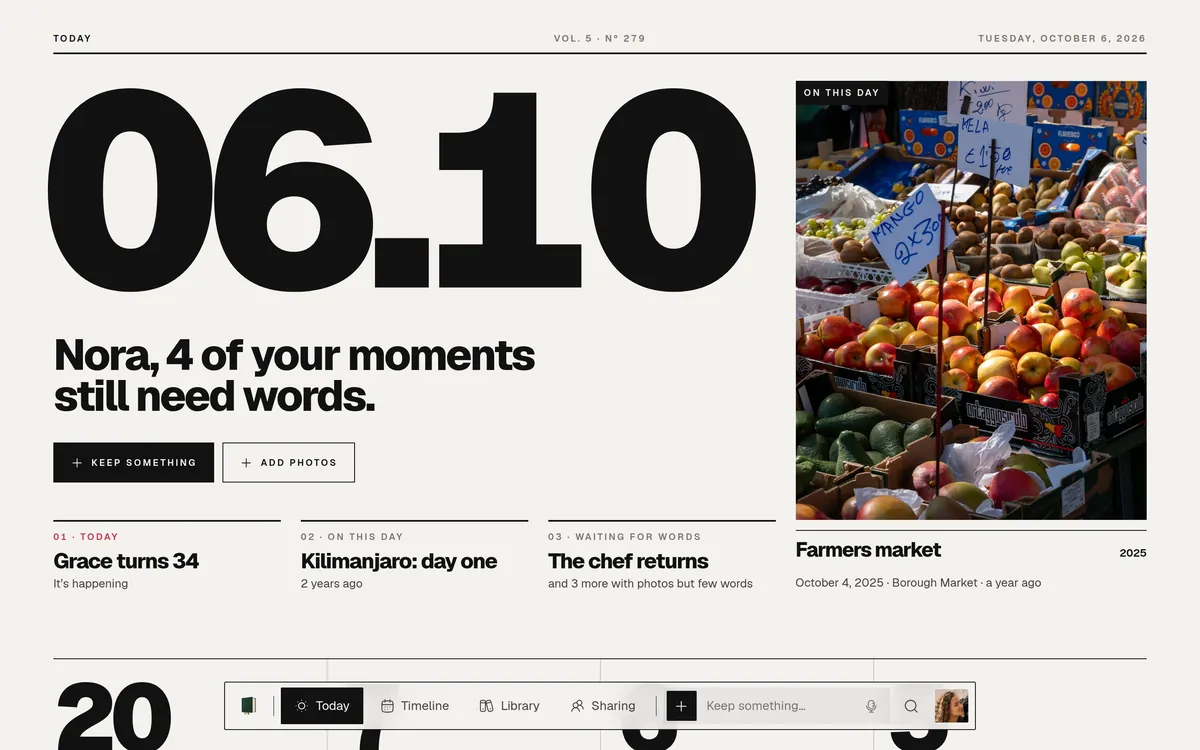
Scrapbook. Prints, tape and handwriting.
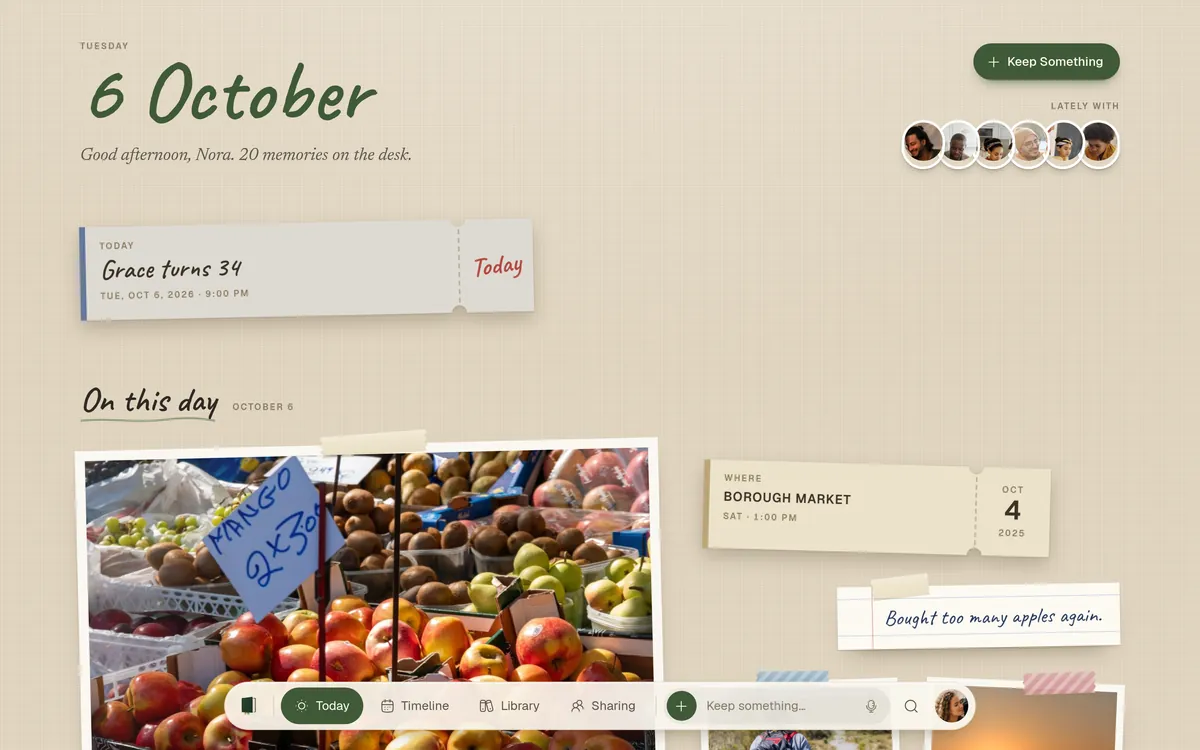
Night. Dark and cinematic, for the evenings.
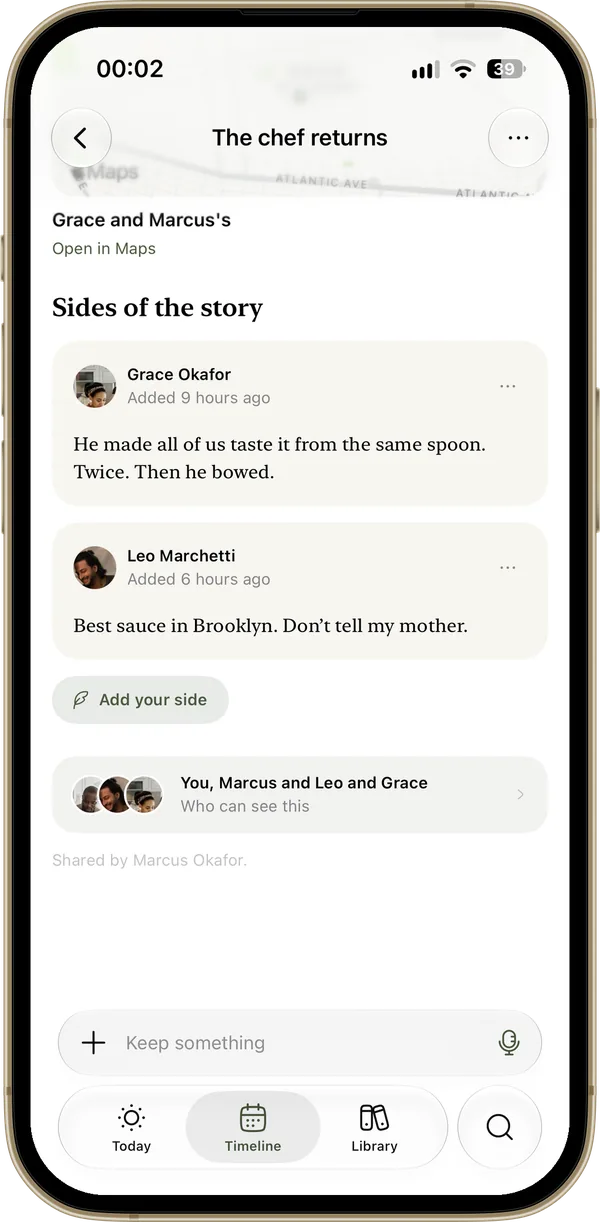
Share
Your friends are here too.
Share a memory or a chapter with the people who were there. Read what they share with you, and add your side of the story.
- Friends, spaces and shared books, as in the app
- Ask someone for their side of a day
- Only the people you share with can see it
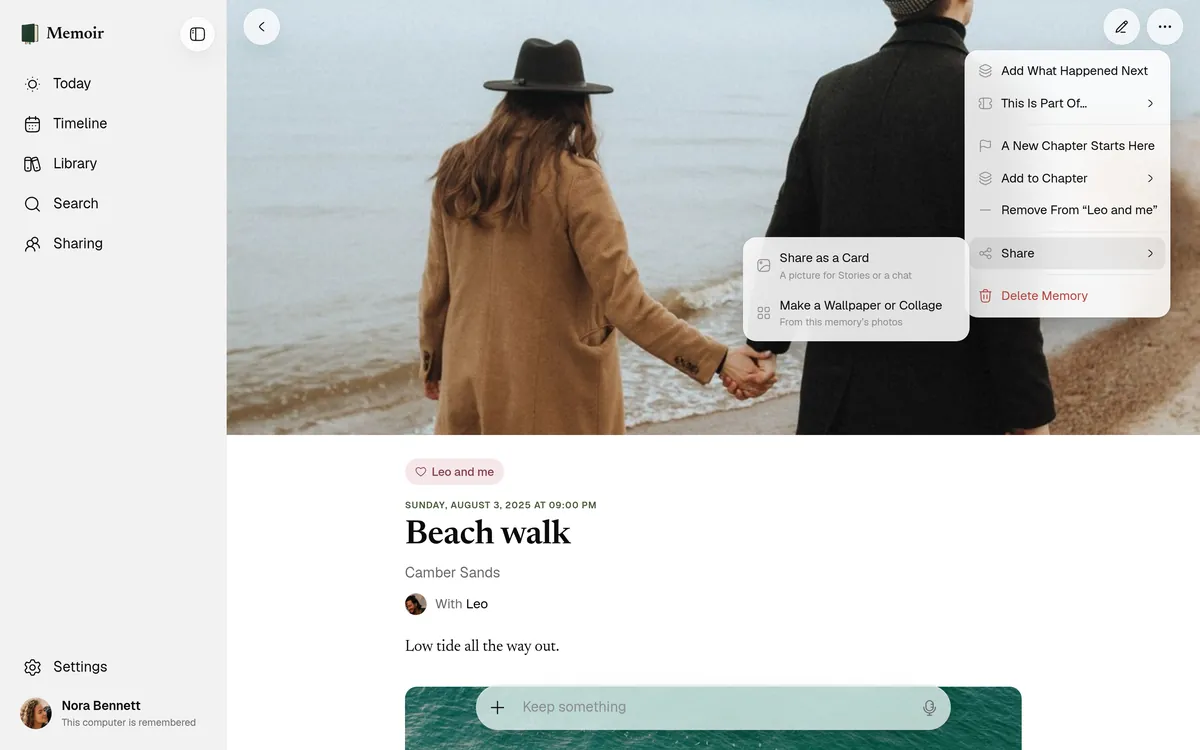
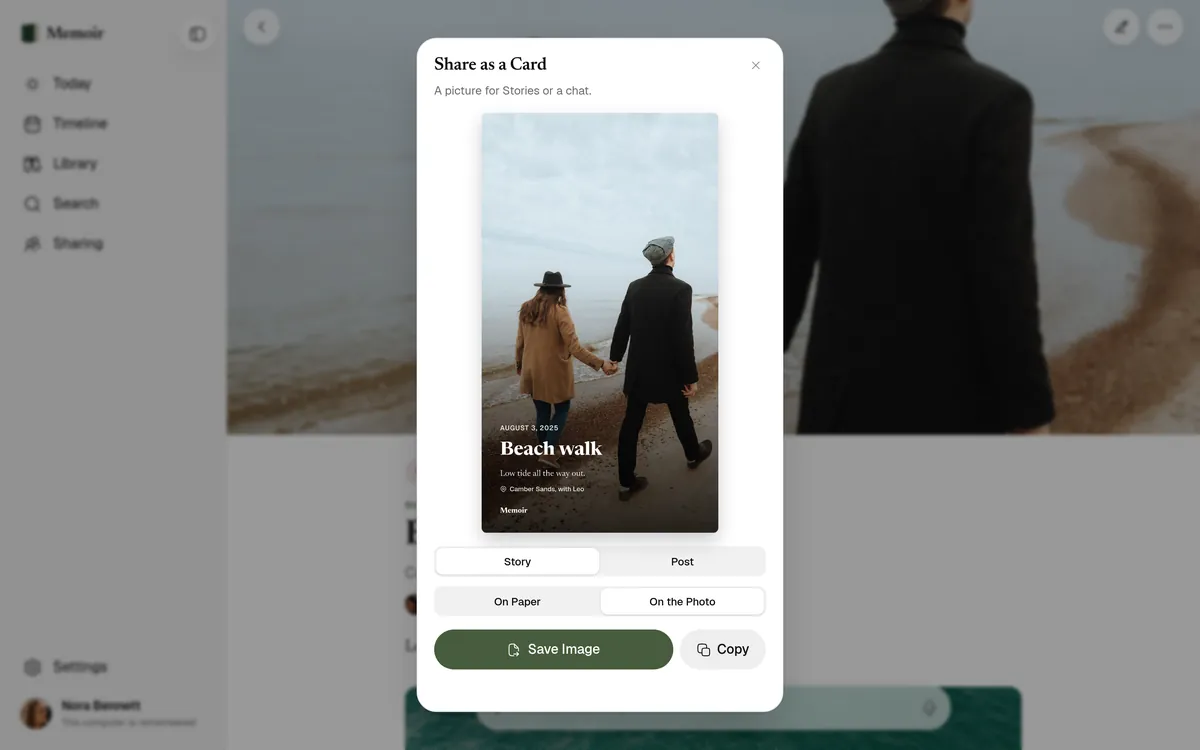
Cards
A memory, ready to post.
Turn a memory into a card for your Stories or a chat, on paper or on the photo.
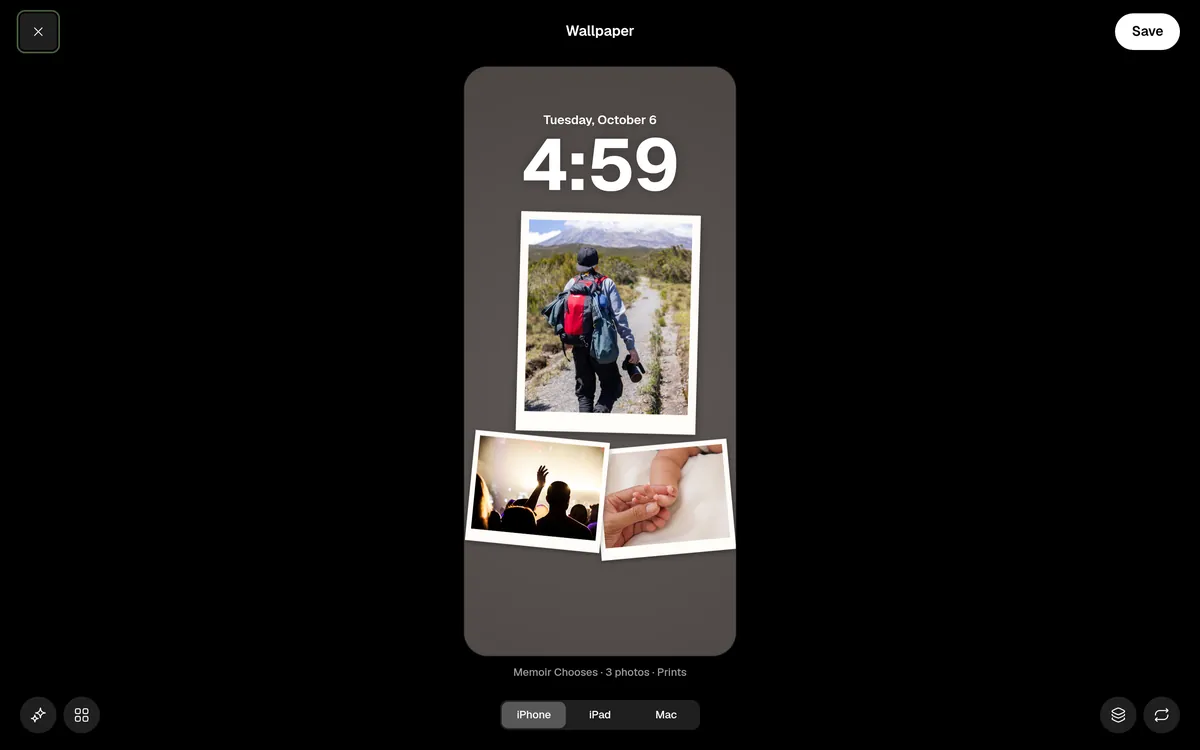
Wallpapers
Your photos, on every screen.
Make a wallpaper or a collage for your iPhone, iPad or Mac.
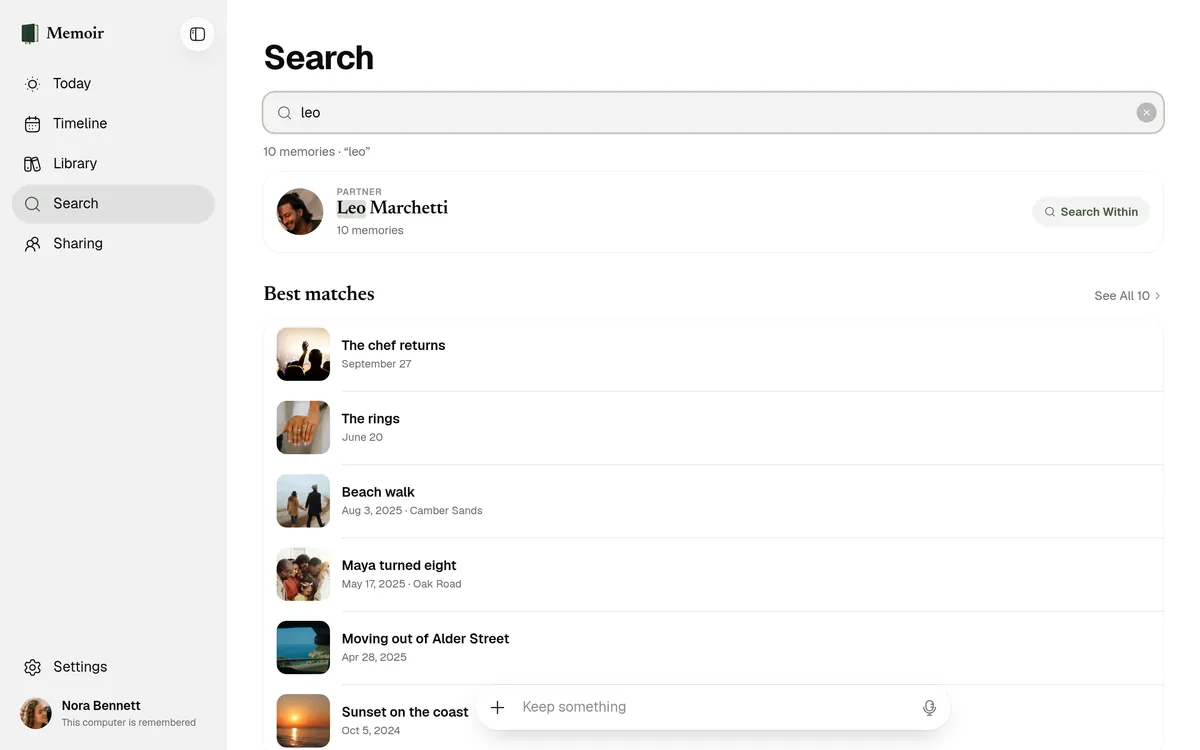
Find
Any moment, in a few letters.
Type a name, a place or a word you wrote. The search runs on your computer, so what you type stays there.
Private
Locked, even in a browser.
Your key stays on your devices
Memories are unlocked on your computer. Our servers only ever hold locked copies, and we can’t read them.
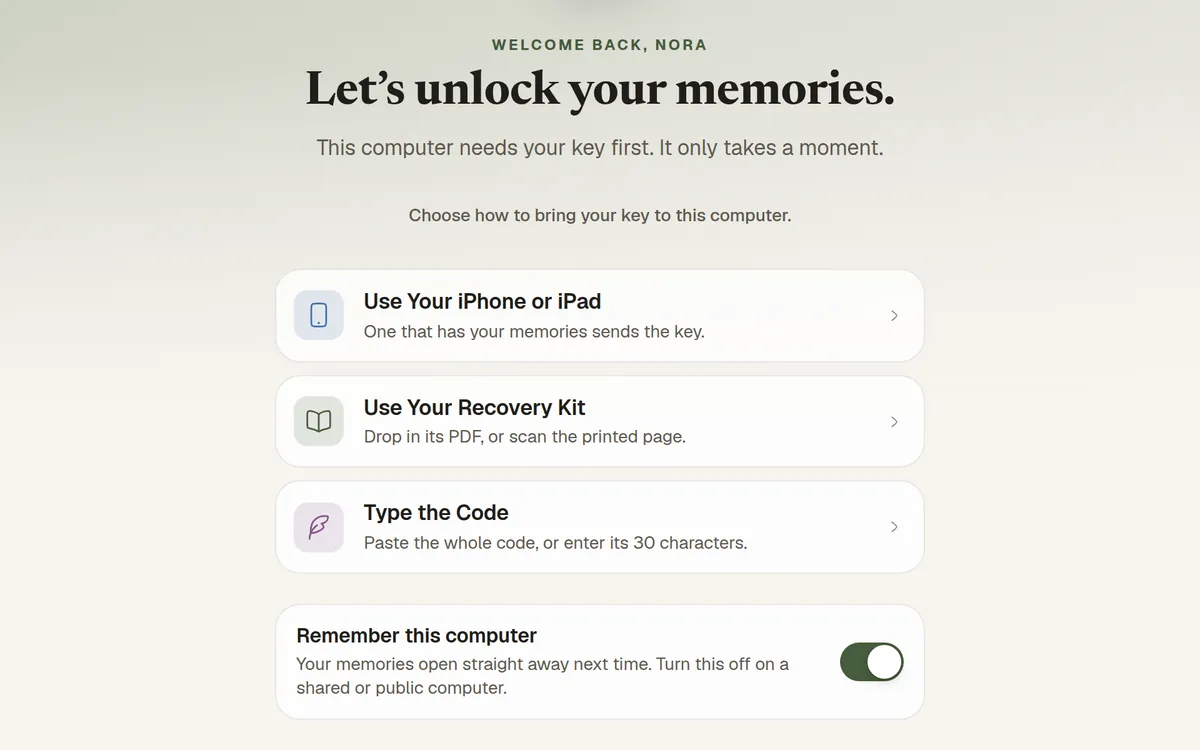
Unlock it your way
Use a passkey, scan a code with your iPhone, or drop in your recovery kit.
On a shared computer?
Turn off Remember this computer, and your key is forgotten the moment you sign out.
Questions
Do I need the iPhone app?
No. You can start on the web today: sign in with your email or with Apple, and Memoir makes your key and your recovery kit right in your browser. When you’re ready, add the iPhone or iPad app and your memories are waiting there.
Is it the same account as the app?
Yes. Sign in with the email or Apple account you use in the app. Memories you keep on the web show up on your iPhone and iPad, and the other way round.
Which browsers does it work in?
Current versions of Safari, Chrome, Edge and Firefox, on a Mac or a PC. Unlocking with a passkey needs a recent Safari or Chrome; your iPhone and your recovery kit work in all of them.
Is it as private as the app?
Yes. It uses the same end-to-end encryption. Your memories are unlocked only in your browser, on your computer, and Memoir can’t read them. How it works.
More on the Support page.
Open your book.
Your memories, ready on the big screen whenever you sit down.